
 View Cart
 Get Your Intellectual Warm-Up
Mentoring
E-book series launch
Stop guessing. Start playing like a master.


Krzysztof Martens
Bridge Master, Coach and Bridge Books Author
Want to learn to play bridge at a master level?
Start with expert guidance and structured training.
If you’re looking for top-tier bridge books that sharpen your skills in every area of the game—you’re in the right place.
The Martens Bridge University Master’s Program is a comprehensive series designed for advanced players who aim to play like true masters.



Books
-

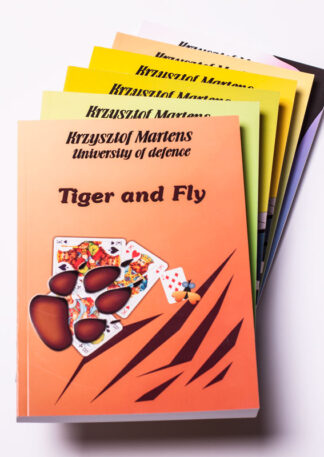
Defensive Play Bundle
Sale! 85.00 € 129.00 €Price range: 85.00 € through 129.00 € Select options This product has multiple variants. The options may be chosen on the product page -
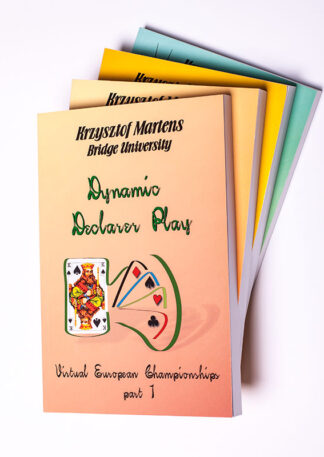
Declarer Play Bundle
Sale! 48.00 € 73.00 €Price range: 48.00 € through 73.00 € Select options This product has multiple variants. The options may be chosen on the product page -
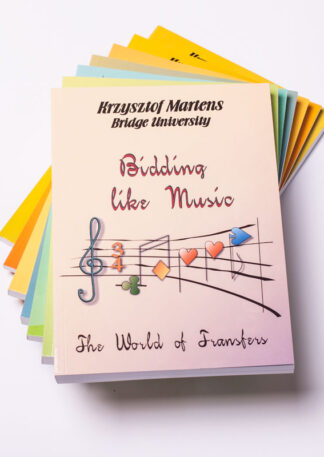
Bidding Bundle
Sale! 70.00 € 105.00 €Price range: 70.00 € through 105.00 € Select options This product has multiple variants. The options may be chosen on the product page
Mentoring



About me
Welcome Bridge Players! I’m Krzysztof Martens, the author of Martens Bridge University Master’s Program.
There are many books and courses out there that can walk you through bridge basics all the way to advanced level. But there are relatively few materials that can help you improve your skills past that point and help you become an expert.